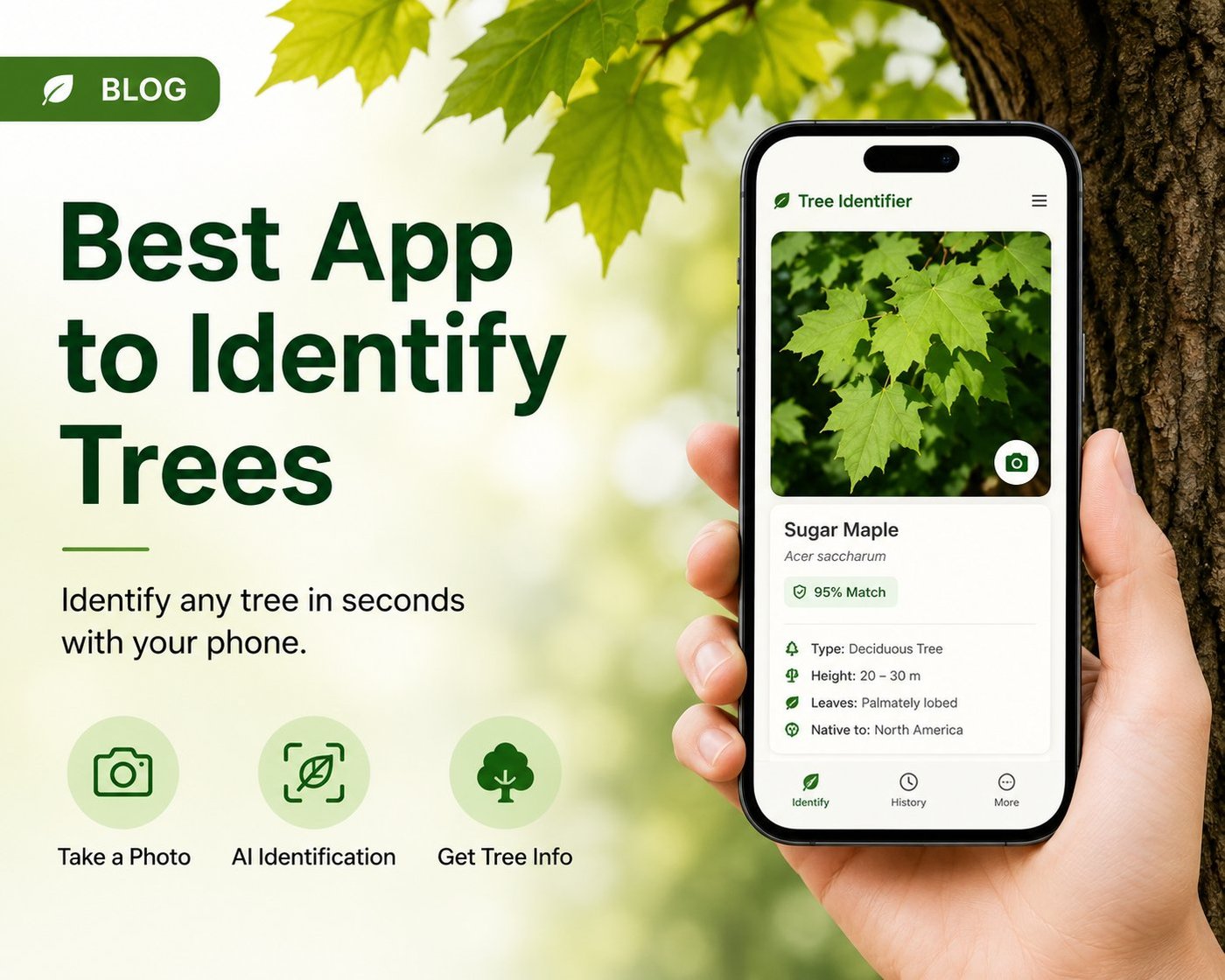
TL;DR: The best app to identify trees works from a single photo of a leaf, bark, or whole tree, returns species name plus scientific name, family, range and uses, doesn't upload your photos for advertising, and gives you enough free scans to evaluate accuracy before asking you to subscribe. Most users land on one of five apps: Tree Identifier, PictureThis, PlantNet, iNaturalist, or LeafSnap. The right choice depends on whether you want speed, accuracy across photo types, broader plant coverage, expert review, or research-grade data — each app optimizes for something different.
📌 Looking for the short answer? For iPhone users who want fast, accurate AI tree ID with full species detail and no data collection, Tree Identifier is built for exactly that. For broader plant coverage, PictureThis is the best-known option. For research-quality data with expert review, iNaturalist is unmatched.
What "identifying a tree" actually means
A tree identification app uses artificial intelligence — specifically, a class of machine learning model called a convolutional neural network — to compare your photo against millions of labeled tree images and predict the species. The output is usually a ranked list of likely matches with confidence scores, then a "winner" displayed as the answer. Behind the scenes, the model is doing pattern recognition on shape, texture, vein structure, color distribution, and other visual features it has learned matter for separating one species from another.
Modern apps can identify trees from any of these inputs:
- A single leaf — usually the most accurate input for deciduous trees during the growing season. Leaf shape, edge pattern (smooth, toothed, lobed), and vein structure are highly species-specific.
- Bark texture and pattern — useful in winter, for older trees, or when leaves are out of reach. Bark is less species-specific than leaves but works well for distinctive species like sycamore, birch, or shagbark hickory.
- The whole tree at a distance — good for shape, branching habit, and canopy. Less accurate for similar species but useful for narrowing down genus.
- Flowers, fruit, or seeds — when present, these are often the most species-specific clues. Magnolia flowers, oak acorns, maple samaras, and pine cones each have characteristic shapes a good AI model can identify confidently.
- Twigs and buds — useful for winter identification of deciduous trees. Bud arrangement (opposite vs alternate) and shape narrow down the family.
The catch: accuracy depends heavily on photo quality and which part of the tree you photograph. A blurry leaf shot against a busy background will trip up even the best AI. Apps that handle multiple input types give you flexibility — you can shoot whatever is most distinctive that day. (For a deep dive on photo technique, see our guide on the best photo for tree ID.)
The 8 things that actually matter when choosing an app
1. Accuracy across photo types
Some apps are great with leaves but fail on bark. Others get the whole-tree shot right but struggle with isolated features. If you live somewhere with cold winters, bark identification matters because trees lose leaves for half the year, and the only available input from December through April may be bark, branching shape, or buds. Look for an app that explicitly supports leaf, bark, and whole-tree photos — and test all three before deciding.
A practical accuracy test: pick three trees in your neighborhood whose species you already know with confidence — say, a red maple, a white oak, and a sycamore. Photograph each from leaf, bark, and whole-tree perspectives. A genuinely good app will get the species right (not just the genus) in at least 7 of those 9 attempts. If you're getting under 5, the app's model isn't strong enough for routine use.
2. What you get after the ID
A tree's name alone isn't very useful. "Acer rubrum" tells you almost nothing on its own. The best apps return:
- Common name and scientific name
- Family (Sapindaceae, in the case of maples)
- Typical mature size and growth rate
- Native range and where it's been introduced
- Distinguishing features that confirm the ID
- Practical uses — timber, edible fruit, ornamental value, wildlife support
- Similar species and how to tell them apart
This is the difference between a novelty app you delete after a week and a tool you actually keep on your home screen. The detail layer is where most apps quietly fail — they nail the ID but show you a Wikipedia stub with no field-useful information.
3. Free vs. paid
Almost every "free tree identification app" gates real use behind a subscription after a few scans. That's not necessarily bad — running AI image models against cloud GPUs costs the developer real money per scan — but you should know what you're getting before you download. Check the in-app purchase list on the App Store before committing.
Common free-tier limits:
- Scan count — 3 to 10 free identifications per day or per week
- Feature gating — basic ID free, but details, PDF export, history, or offline access locked
- Time-limited trials — full access for 7 days, then auto-converts to a subscription
- Watermarks — exported reports stamped with the app's branding unless you pay
For occasional users — someone identifying a few backyard trees on a Saturday — the free tier of most apps is enough. For frequent users like hikers, biology teachers, or landscape designers, a subscription pays for itself in the first month. See our guide on what's actually free vs. paywalled for a detailed breakdown across major apps.
4. Privacy and data handling
Some apps upload your photos and location to train their models or sell to advertisers. Even when stated in a privacy policy, this is easy to miss. If that bothers you, look for apps that state plainly what happens to your photos.
Specific things to check in the App Store privacy label:
- Whether the app collects "Data Linked to You" — name, email, location
- Whether photos are used for "Third-Party Advertising" or "Developer's Advertising or Marketing"
- Whether the app shares data with brokers
- Whether identification happens on-device or via a cloud server (almost always cloud, but the question is what happens after)
Tree Identifier, for example, processes photos via a secure AI API and doesn't store them on its servers after identification completes. Identification history stays on the user's device. No personally identifiable information is collected. Not every app is built this way — many monetize user data on top of subscriptions.
5. History, export, and organization
If you're identifying trees on a hike, in your yard, or for a school project, you'll want a saved history. Better apps let you:
- Browse all past identifications with the original photo
- Add personal notes (location, condition, season)
- Export PDF reports — useful for nature journals, biology classes, property surveys, or arborist consultations
- Search and filter by species, date, or location
- Tag photos with custom labels
This feature matters more than people realize. Most users don't identify trees just for the answer in the moment — they want to remember which species was in the park, log a property's tree inventory, or build a personal field guide over time.
6. Offline behavior
True offline tree ID is rare because the AI model is too large to ship inside the app — production-grade tree recognition models are hundreds of megabytes to several gigabytes, more than most users want to download. Most apps need a connection to identify, but a good one will at least keep your past identifications viewable offline so you can browse your library without signal on a hike.
Some apps advertise "offline mode" but actually mean "you can view past results offline" — not "the app can identify a new tree offline." Read the fine print before relying on offline identification for a backcountry trip.
7. Geographic coverage
Apps trained mostly on North American forestry data struggle in tropical, Mediterranean, or Asian climates — and vice versa. Before relying on an app for international travel, check:
- Stated species count (most apps claim 10,000+ but real coverage varies by region)
- Whether the app names regional varieties or just the parent species
- App Store reviews from users in your target region — they'll mention if the app failed on local trees
8. Speed and UX
The fastest apps return an identification in 2-4 seconds; slower ones can take 10-15 seconds. For a single ID this doesn't matter much, but if you're identifying 20 trees during a walk, the cumulative time adds up. Also worth checking: does the camera open in one tap from the home screen, or do you have to navigate through a menu first?
Comparing the 5 most-used tree identification apps
| App | Best for | Coverage | Free tier |
|---|---|---|---|
| Tree Identifier | Fast iPhone tree ID with full detail and privacy | Global trees | Basic ID free |
| PictureThis | Broadest plant database (not just trees) | Global plants | 7-day trial |
| PlantNet | Open-source, citizen-science backed | Strongest in Europe | Free, ad-free |
| iNaturalist | Expert-reviewed IDs and research data | Global, all living things | Free |
| LeafSnap | Leaf-focused identification | Originally US, now broader | Limited free, ads |
For a fuller side-by-side, see our detailed app comparison.
💡 Quick test before you commit: download the app, scan three trees you already know, and see how often it nails the exact species. If it gets the genus right but misses the species, that's normal. If it can't even get the genus, look elsewhere.
How to take a photo the AI will actually recognize
This is the single biggest factor in getting an accurate ID, and most people skip it. The AI model can only work with what it sees — a great model on a poor photo gives a worse answer than a mediocre model on a perfect photo.
- Fill the frame with the leaf, bark, or feature you're identifying. Don't shoot a whole tree from 30 feet away if you want a leaf-level ID. The model needs detail to work with — a leaf occupying 10% of the frame is mostly background noise from the model's perspective.
- Use even, natural light. Harsh midday sun creates deep shadows that confuse the model. Overcast days, morning light, or open shade produce the most consistent identifications.
- Include something distinctive. A leaf shot with the leaf shape clearly visible against a plain background — your hand, a sheet of paper, the sky — beats a leaf buried in foliage where the model can't separate one leaf from another.
- Try multiple photos. If the first ID seems off, photograph a different part of the tree. Leaf + bark + whole-tree shots from one tree gives the model three independent chances to match.
- Stabilize your phone. Motion blur destroys the fine detail (vein patterns, bark texture) that the model relies on. Lean against a tree, brace your elbows, or use the volume button instead of the on-screen shutter.
- Capture distinguishing features. If a tree is in fruit or flower, photograph that — it's often more diagnostic than leaves alone.
Common mistakes that produce wrong IDs
Across thousands of identifications, the same handful of mistakes account for most wrong answers:
- Photographing a damaged or diseased leaf. The model is trained on healthy leaves. A leaf with insect damage, fungal spots, or autumn coloring is a harder match.
- Mixing two species in one shot. If a vine grows through the tree, the model may identify the vine instead of the tree.
- Trusting low-confidence results. Good apps show a confidence score. A 40% confidence ID is a guess, not an answer — retake the photo or try a different feature.
- Identifying cultivars as species. Most apps identify the parent species but not the cultivar. A "Crimson King" Norway maple gets identified as Norway maple — which is correct at the species level but loses cultivar-level detail.
- Ignoring location context. An app may identify a tree as a species that doesn't grow where you are. If the result says "Japanese Stewartia" and you're in rural Texas, double-check.
When a tree identification app isn't enough
For most everyday questions — "what's that tree in my backyard," "is this oak healthy," "what kind of maple is on this hike" — a good app will get you 80% of the way there. The remaining 20% is where apps still struggle:
- Hybrid trees. Crosses between two species often have intermediate features that confuse the model.
- Cultivar identification. An app will tell you the species but rarely the specific cultivar — important for ornamental gardening, less important for general curiosity.
- Disease and pest diagnosis. An app identifies the tree, not what's wrong with it. For that you need a local arborist or extension service.
- Legal or commercial-grade identification. Property surveys, timber valuation, or invasive-species reports usually require a certified arborist's signed identification, not an app's.
For arborist-grade work, sick-tree diagnosis, or distinguishing between very similar cultivars, combine the app's result with a field guide, a local arborist, or a botanical society. The app is a tool, not the final answer.
Frequently asked questions
Which app is best for identifying trees from a photo?
The best app depends on what you photograph and where you live. For iPhone users wanting a balance of accuracy across leaf, bark, and whole-tree photos plus full species detail and privacy-respecting design, Tree Identifier is a strong choice. For community-driven identification with expert review, iNaturalist is excellent. For broad plant ID beyond just trees, PictureThis and PlantNet are popular. For pure leaf-based ID, LeafSnap remains a solid option.
Can a free app really identify trees accurately?
Yes — the underlying AI is the same whether you pay or not. The free tier of most apps limits how many trees you can identify per day or week, but the accuracy of each individual identification is the same. Pay only when you actually use the app enough to hit the free limit. PlantNet is fully free and ad-free, funded by research grants, if you want unlimited identifications without paying.
Does the app need internet to work?
Most do. Modern AI tree identification models are too large to run on a phone, so the app sends your photo to a server, processes it, and sends back the result. This usually takes 2-5 seconds. Past identifications are typically saved locally so you can browse them offline, but new identifications require a connection.
Will the app work for trees outside the US?
Coverage varies by app. Apps trained mostly on North American forestry data struggle in tropical or Mediterranean climates. PlantNet has strong European coverage, iNaturalist works globally because of its community contributions, and PictureThis claims the broadest geographic range. Before relying on an app for international travel, check its species count and supported regions in App Store reviews.
How accurate are tree identification apps overall?
For common, well-photographed trees, the best apps reach 90%+ species-level accuracy. For rare species, hybrids, cultivars, or poorly-lit photos, accuracy drops to 60-70%. Genus-level accuracy (e.g., "this is an oak" without specifying which oak) is consistently higher, often above 95%.
Can I identify a tree from just a piece of bark?
Yes, but with lower accuracy than leaf-based identification. Bark is less species-specific — many oaks have similar bark, many pines have similar bark. Apps that support bark identification work best on distinctive species like sycamore, birch, beech, or shagbark hickory. For ambiguous bark, combine with whole-tree shape or buds for better results. See our bark identification guide for more.
Is it legal to use an app to identify protected trees?
Yes — identifying a tree with an app has no legal implications regardless of whether the tree is protected. What's regulated is cutting, removing, or damaging protected trees, not identifying them. In fact, many municipalities encourage residents to identify and report invasive species using apps like iNaturalist.
Try Tree Identifier — free on iPhone
AI-powered tree ID from a single photo. Leaf, bark, or whole tree. No account required.
Download on the App Store