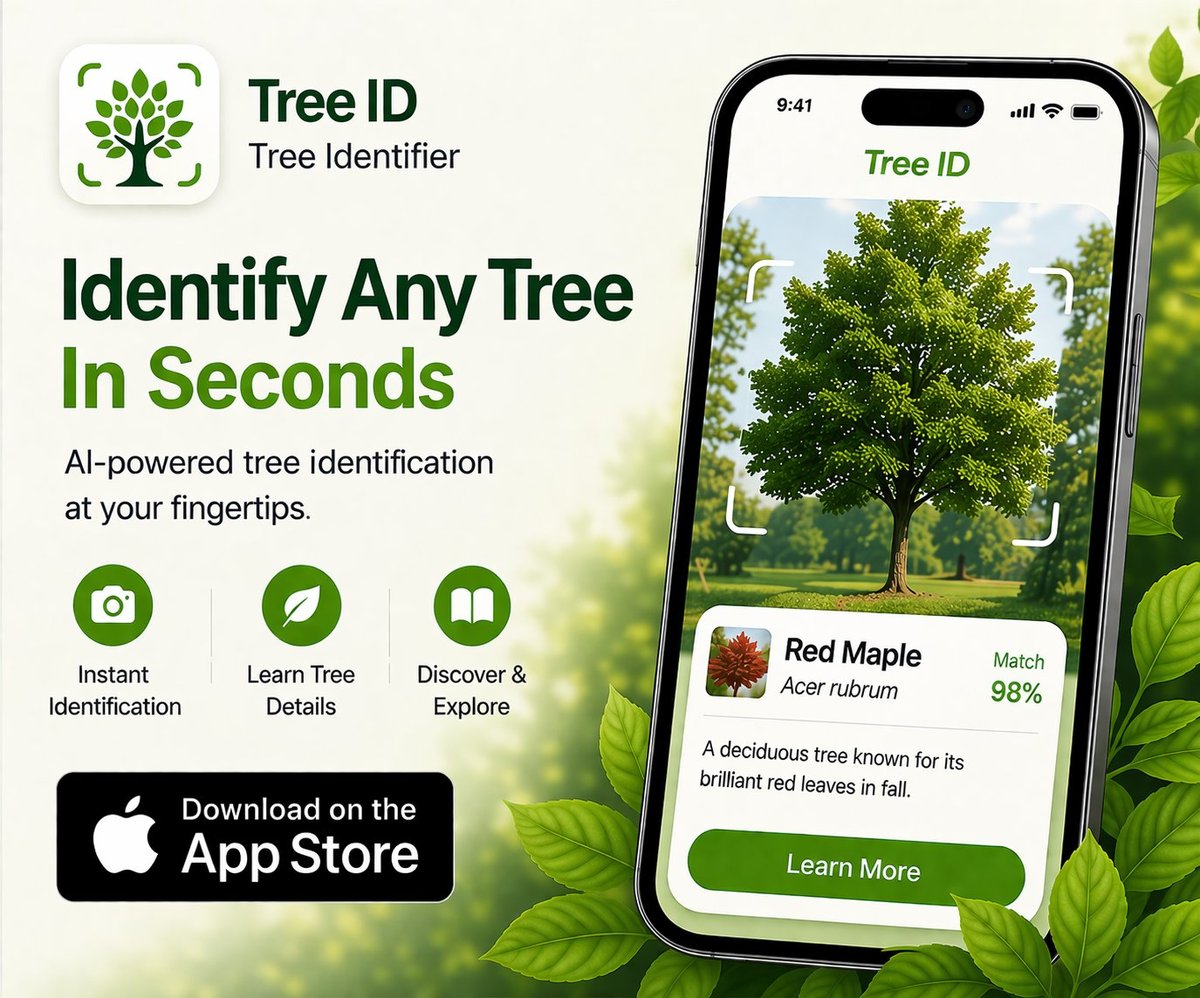
TL;DR: Kids learn tree identification fastest through hands-on engagement — touching leaves and bark, collecting and pressing samples, planting seeds — rather than passive learning. Tree ID apps work as confirmation tools and rabbit-hole starters, but the app should be one tool in a broader nature engagement, not the main event. By age: preschoolers focus on shape and texture, early elementary on names and basic categories, late elementary on detailed features, and middle schoolers on ecology and identification keys. Build a tree habit by visiting the same trees through the seasons.
📌 The best moment to introduce tree ID to kids: when they ask "what tree is this?" without prompting. Until then, build curiosity by handling leaves, collecting acorns, and pointing out fall colors — name comes after interest.
Why trees work for kids
Trees check almost every box for engaging children with nature:
- Big, accessible, and slow. Unlike birds or insects, trees don't fly away. A kid can take their time examining a tree.
- Multi-sensory. Trees offer texture (rough bark, smooth leaves), color (fall foliage, spring flowers), sound (wind through pines, rustling leaves), and smell (crushed pine needles, fragrant flowers).
- Seasonal change. The same tree provides a completely different experience in February, May, August, and October. Visiting "your tree" across seasons builds patient attention to the natural world.
- Tangible products. Leaves can be pressed, acorns collected, sticks gathered. Kids love bringing things home.
- Names matter to children. Naming a thing is empowering. "That's a sugar maple" gives a child agency over their environment.
- Free and everywhere. No equipment required, every backyard and park has trees.
By age: what to focus on
Ages 3-5: Sensory and shape
Skip species names entirely. Focus on:
- Touching different bark textures — smooth, rough, peeling, prickly
- Comparing leaf shapes — pointy vs round, big vs small, smooth-edged vs toothed
- Collecting and sorting — pile of "round leaves," pile of "pointy leaves"
- Identifying tree parts — trunk, branch, leaf, root
- Big vs. small trees — measuring with arms
- Tree sounds and movement in the wind
The app stays in your pocket at this age. The point is sensory engagement, not naming.
Ages 6-8: Names and categories
Now species names start to matter. Focus on:
- Five or six tree species in your immediate environment — yard, school, neighborhood park
- Distinctive species like maple, oak, and pine as recognizable categories
- "Tree of the week" — pick one tree, visit it twice in a week, notice what changed
- Collecting and pressing leaves for a homemade tree book
- Planting an acorn or seed and watching it grow
- Apps used together with the child, not by them alone — "let's see what the app says"
At this age, the app is a shared confirmation tool. You both look at the result together.
Ages 9-11: Detailed features and identification logic
Kids can now engage with the actual logic of identification:
- Opposite vs alternate leaf arrangement
- Simple vs compound leaves
- Lobes, teeth, and leaf margin types
- Bark patterns and how they change with age
- Fruit and seed identification — acorns, samaras (maple "helicopters"), cones
- Using a tree app independently and learning when to question its answer
- Starting a personal life list of trees they've identified
At this stage kids can run the app themselves and bring you the answer. Encourage critical thinking — "do you trust that answer? Why?"
Ages 12+: Ecology, keys, and beyond
Middle schoolers can handle:
- Dichotomous keys — branching identification questions like real botanists use
- Forest ecology — why certain trees grow together (oak-hickory, beech-maple, longleaf savanna)
- Native vs invasive species and the politics around invasive removal
- Climate change and tree range shifts
- Citizen science contribution through iNaturalist, with real observations going into research databases
- Tree health basics — signs of disease, common pests in your region
This is where tree identification becomes a gateway to broader environmental science. Kids who get genuinely interested can run their own backyard ecology projects.
How to use a tree app with kids without it taking over
The risk with any kid + app activity is that the screen eats the activity. Avoid this with structure:
- Look first, app second. Have the child describe the tree out loud before opening the app — color, leaf shape, bark texture, size. The app is for confirmation, not initial observation.
- One identification per stop. Don't let the activity become "how many trees can we scan in 20 minutes." One tree, fully examined, beats ten trees rushed.
- Discuss the result. When the app names the species, don't just accept it. "How can we tell the app is right? What else do you notice?"
- Make the answer the start, not the end. The species name opens questions — where does this tree grow? What animals use it? Why is it here?
- Put the phone away between trees. The walk between trees is when conversation happens. Phone in pocket.
- Use child-friendly apps when possible. Seek by iNaturalist is specifically designed for children — clean interface, gamification with collection badges, no subscription pressure.
Activities by season
Spring: Watch buds open. Press the very first leaves of the year. Identify flowering trees (cherry, redbud, magnolia, dogwood). Plant a seed or acorn.
Summer: Compare full-grown leaves of different species. Map all the trees in your yard or schoolyard. Sketch a tree from observation.
Fall: Collect leaves in peak color. Press and label them. Identify by fall color first, then confirm species. Gather acorns, samaras, and pine cones for a seed collection.
Winter: Bark and bud identification. Find trees that still hold their leaves (oaks often do) and trees that drop all of them. Look at tree silhouettes against the winter sky and learn to recognize species by shape alone.
Resources beyond the app
- "Sibley's Tree Identification" cards. Beautiful illustrations of common trees in your region, printed on durable cards. Great for backpack use.
- "A Tree is a Plant" by Clyde Robert Bulla. A children's classic introducing how trees grow.
- "The Hidden Life of Trees" by Peter Wohlleben. For older kids and teens — popular science on tree communication and forest networks.
- Arbor Day Foundation kids' resources. Free curriculum materials and a "What Tree is That?" tool.
- Local arboretums and botanical gardens. Most have labeled trees and family-friendly programs. The labels alone are excellent learning tools.
- State or regional field guides. Many states publish free PDF tree guides through their cooperative extension or forestry agencies.
- The Seek app (iNaturalist's kids' app). Free, ad-free, gamified, completely safe for kids.
Common mistakes when teaching kids
- Starting with abstraction. Don't lead with botanical terms. Touch first, name second, theorize third.
- Trying to teach too many species at once. Master five before moving to ten. Mastery builds confidence; overwhelm kills it.
- Letting the app become the activity. A child looking at a phone screen on a hike is not engaging with the hike.
- Skipping the wrong answers. When the app is wrong, that's a teaching moment — why might the AI have made that mistake? What's the human eye seeing that the model isn't?
- Treating identification as the goal. Identification is the door, not the room. The room is curiosity about the natural world.
- Forcing the activity. If a kid isn't into trees today, drop it. Try again next month.
Frequently asked questions
What age can a child use a tree ID app independently?
Around 9-10 for AI apps with simple interfaces. Earlier with supervision. Seek by iNaturalist is designed for younger kids (some children use it independently from around age 7) because it has no subscription pressure or complex menus.
Are there tree ID apps designed specifically for children?
Seek by iNaturalist is the standout — free, ad-free, designed with kids in mind, and powered by serious science from the iNaturalist community. It uses gamification (collection badges, achievements) to maintain engagement without subscriptions or aggressive monetization.
How do I keep my kid interested in trees beyond one outing?
Return visits to the same trees through the seasons. A child who watches "their tree" change from bare branches to flowers to summer green to fall color over a year develops a different relationship with nature than one who identifies twenty trees once. Pick one accessible tree near home and visit it monthly.
What if my child wants to identify everything immediately?
Channel the enthusiasm into a collection — pressed leaves in a notebook, a tree life list, a sketchbook. The desire to identify can become a longer-term project rather than a single afternoon. The Arbor Day Foundation has a free "tree journal" template.
Is it OK to pick leaves from neighborhood trees for kids to identify?
For street trees and most park trees in non-protected areas, a single small leaf for educational purposes is generally fine. Don't strip branches, don't pick from private property without permission, don't pick from protected or rare species, and don't pick anything in National Parks or wilderness areas. When in doubt, photograph in place.
What's the best activity for a school nature day around trees?
A schoolyard tree census. Have students identify and label every tree on school grounds, create a map, and present the data. Combines science (botany), geography (mapping), and writing (descriptions). Long-running schools often have an "ancient tree" or two that becomes a class identity over the years.
Are there tree identification games for kids?
Seek by iNaturalist has built-in gamification with collection badges and challenges. Bingo cards listing common local trees (pre-printed or homemade) work well on neighborhood walks. The Arbor Day Foundation publishes educational games and worksheets free. For older kids, citizen-science platforms like iNaturalist itself become game-like as observations accumulate.
Try Tree Identifier — free on iPhone
For when your kid asks "what tree is this?" and deserves an answer.
Download on the App Store